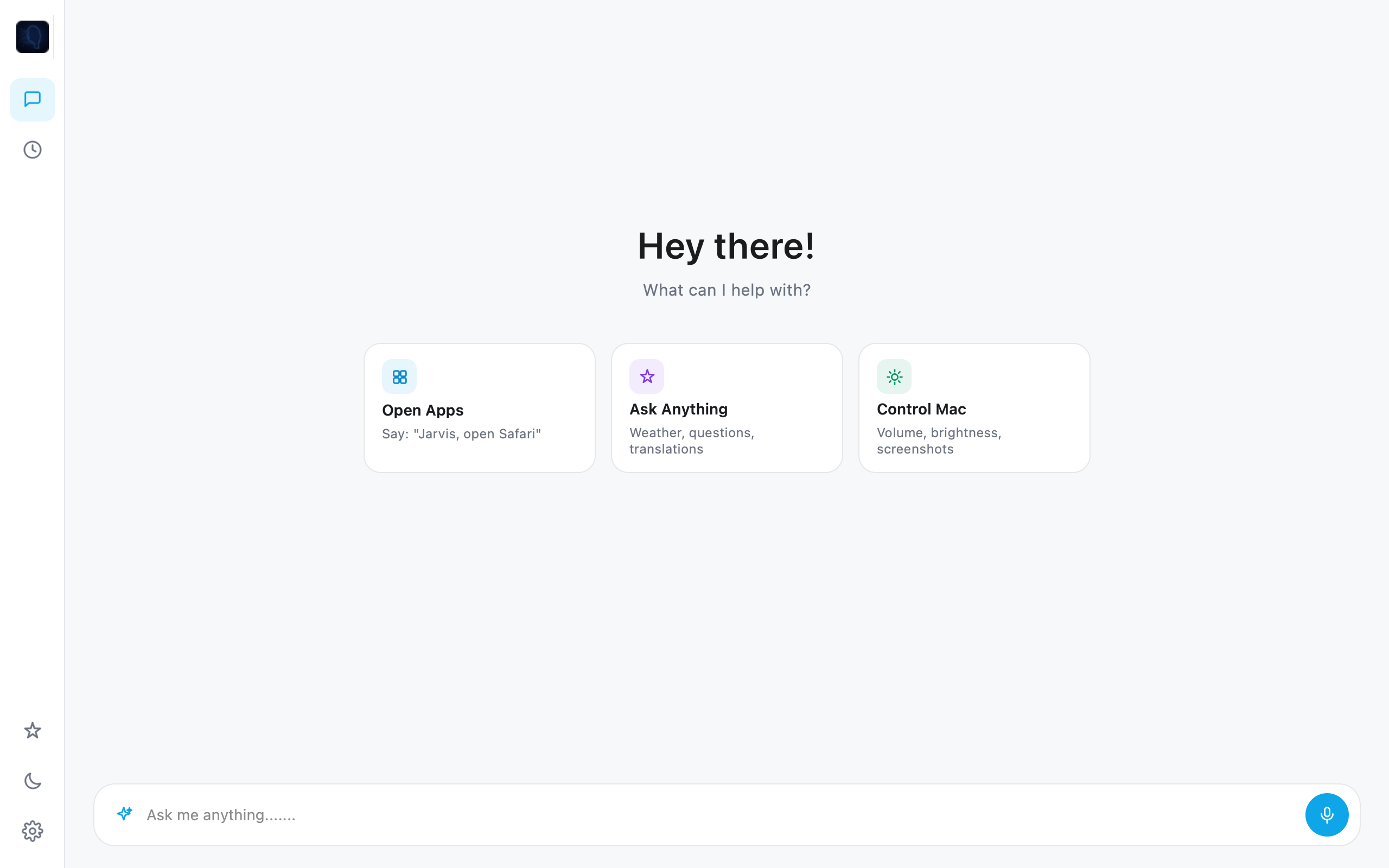
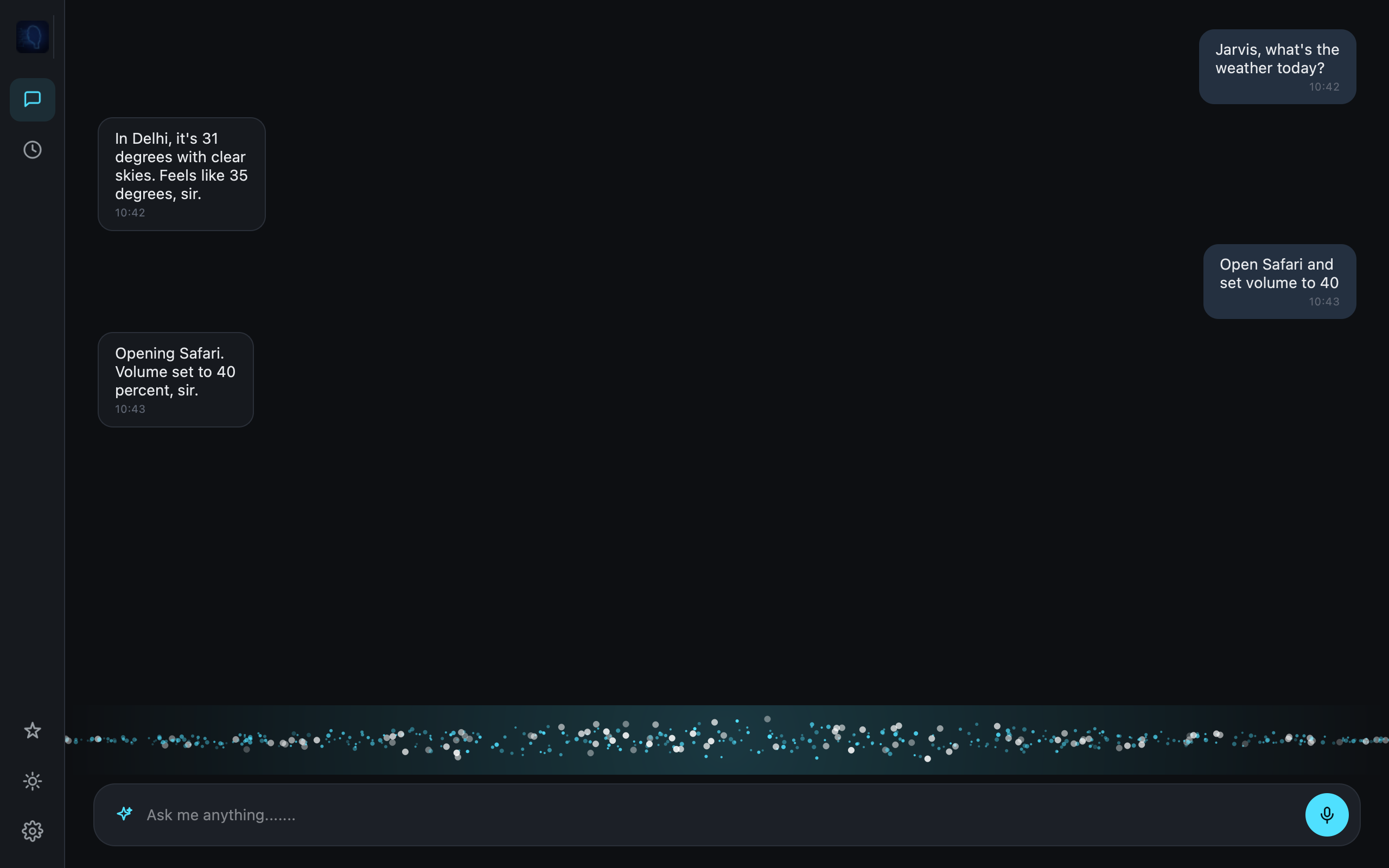
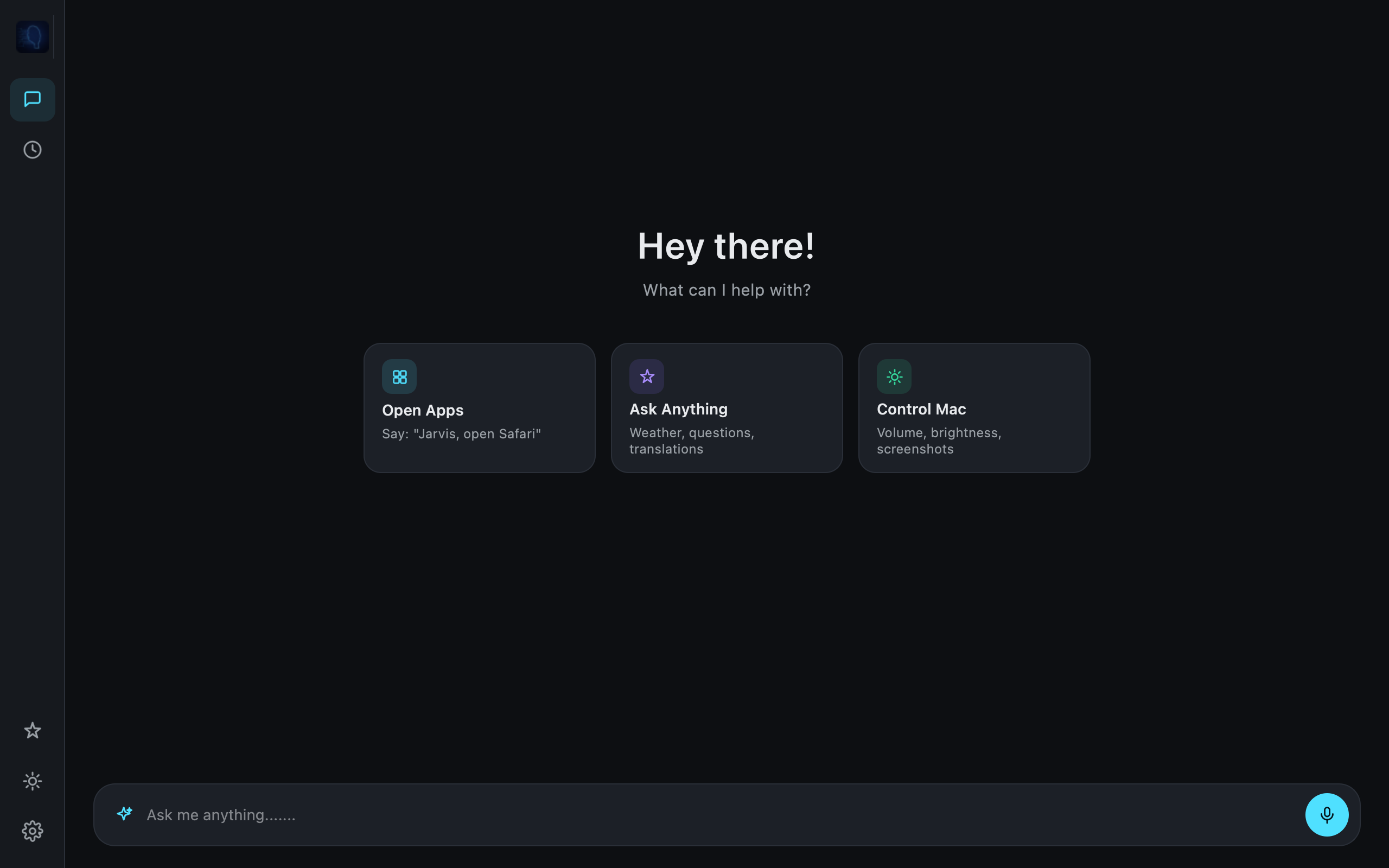
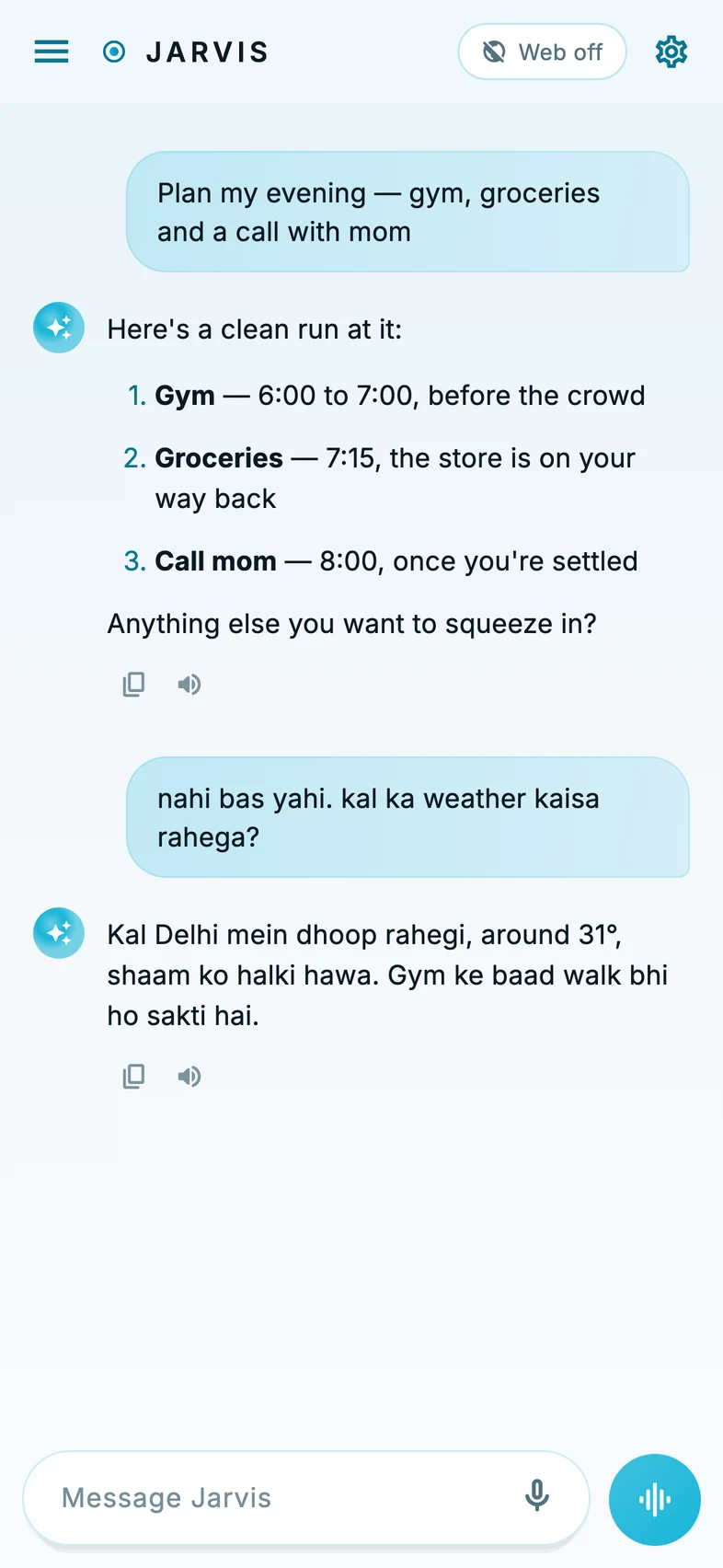
Jarvis wakes on your desktop — listening, thinking, and responding the instant you speak.
A voice-native engine that controls your machine and bends to your will, hands-free.
Gemma offline, or Claude, ChatGPT and Gemini on your key — answers anywhere, on your terms.
Free to try. Thirty seconds to install. No account required to start.
Jarvis isn't a chatbot you type into. It's an intelligent layer that sits quietly on your machine, listening for its name and ready to act the instant you say it.
Open and close apps, switch windows, take screenshots, adjust volume and brightness, lock the screen — all without touching the keyboard or trackpad.
"Tell Dad I'm running late." Jarvis finds the contact, composes the message, and sends it on WhatsApp — entirely hands-free.
Run Gemma offline on your own machine, connect Claude, ChatGPT, Gemini, Grok, Mistral and more on your own key — or go Pro/Max and get Jarvis Cloud AI built in, no key needed. It even switches to offline AI automatically when you lose internet.
Ask it to look something up or pull up a site and it happens instantly — in your default browser, no clicking required.
Understands and replies in 20+ languages — English, Hindi, Spanish, French, Arabic, Japanese and more. Switch anytime from settings.
Wake-word detection and system commands run entirely on-device. With offline AI, you can use Jarvis with the network off and nothing leaves your machine.
No menus to learn. No commands to memorize. Speak to it the way you'd speak to someone standing right next to your desk.
The dashboard you actually get — live system chips, real command tools, agent activity and context memory, all in one HUD.
Jarvis ships with more than 20 languages, and the offline model keeps everything running without sending a single word to a server.
No hidden fees, no surprise renewals. Cancel from the app whenever you want.
Fair usage policy applies.
Approved reviews appear above.
Krish builds desktop software end to end — from trading platforms to AI tools — and started Jarvis after wanting an assistant that lived on his own machine instead of in someone else's cloud. The mission is simple: voice control that respects your privacy by default, runs offline first, and never asks you to learn a new interface to use it.
Free to try. Thirty seconds to install. No account required to start.